Pattern & Algorithm Studio
Explore patterns for your 3×3 cube.
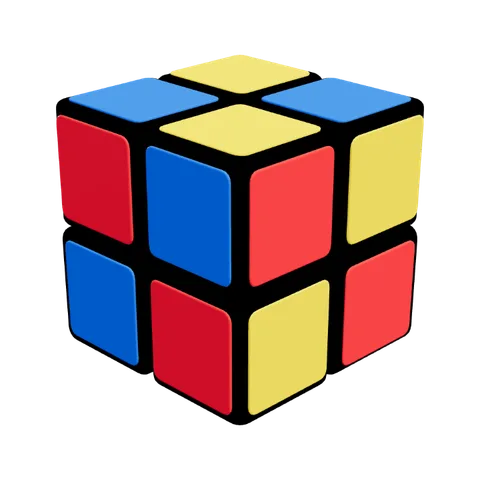 Checkerboard
U R F2 U R F2 R U F' RApply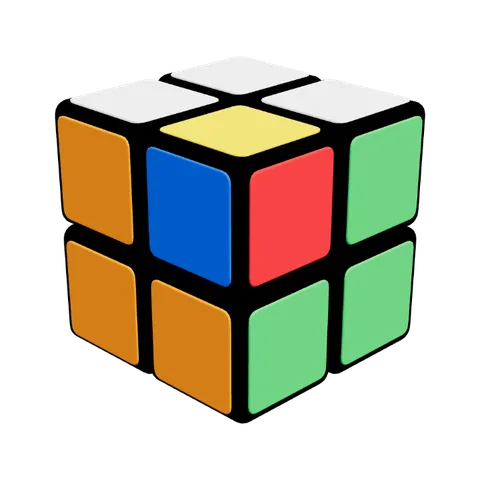 Cube in a Cube
F U R' U2 R U' F U R2 F2Apply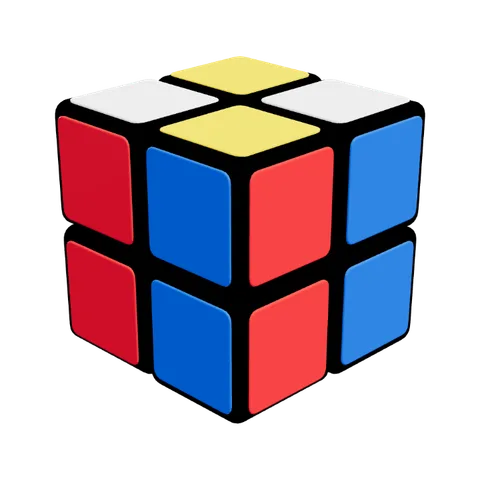 Four Columns
U F2 U2 R2 UApply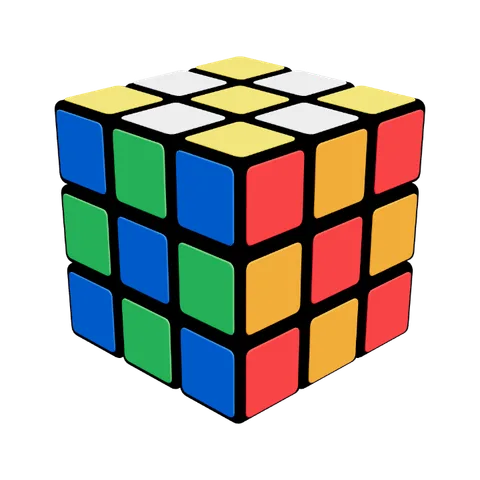 The easy checkerboard
M2 E2 S2Apply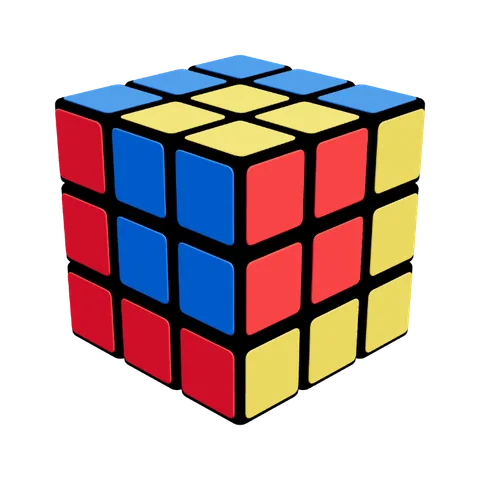 Cube in the cube
F L F U' R U F2 L2 U' L' B D' B' L2 UApply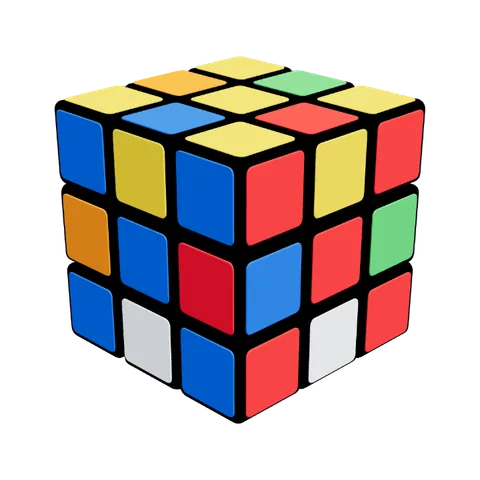 Superflip 20-Move
U R2 F B R B2 R U2 L B2 R U' D' R2 F R' L B2 U2 F2Apply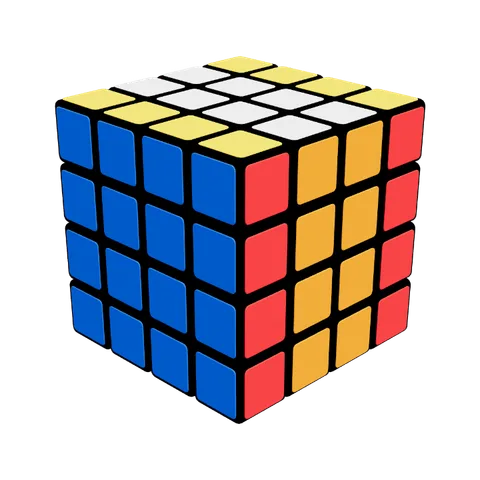
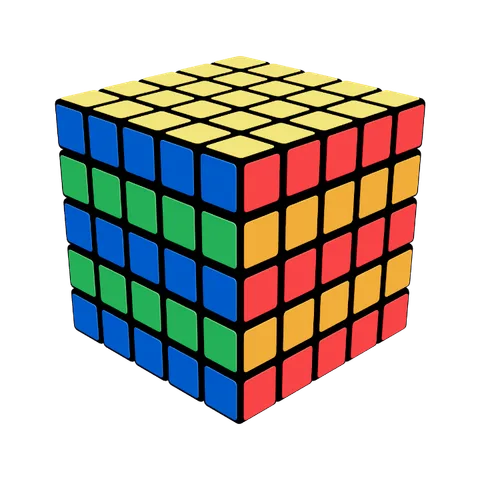
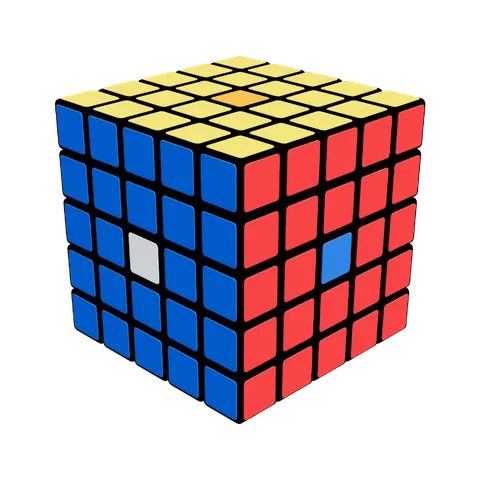
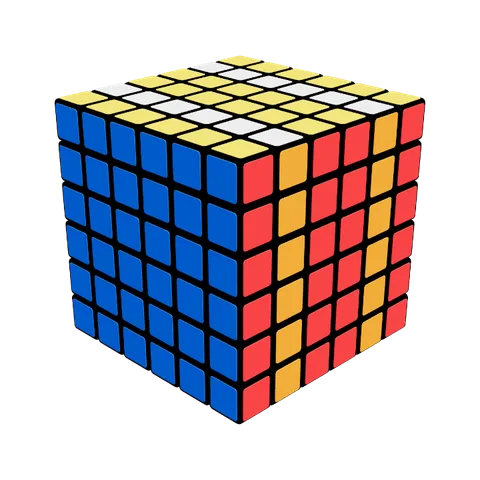
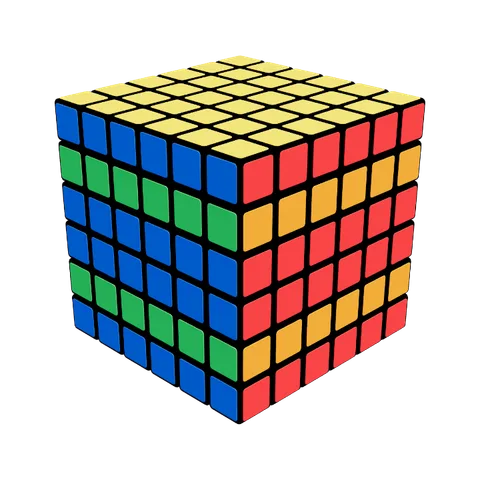
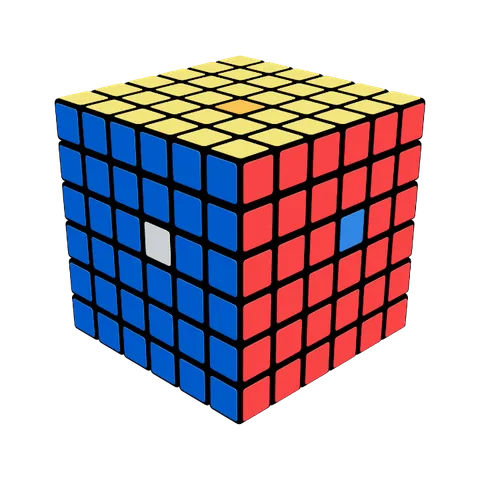
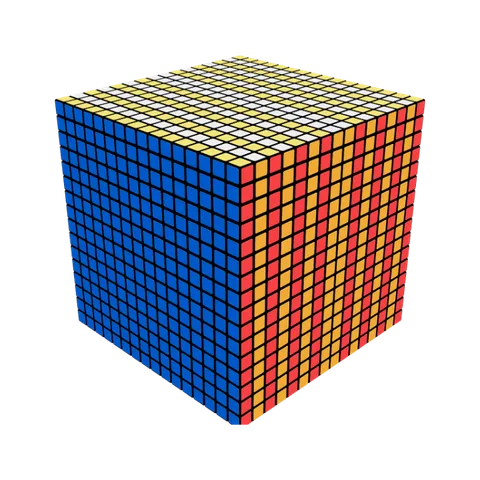
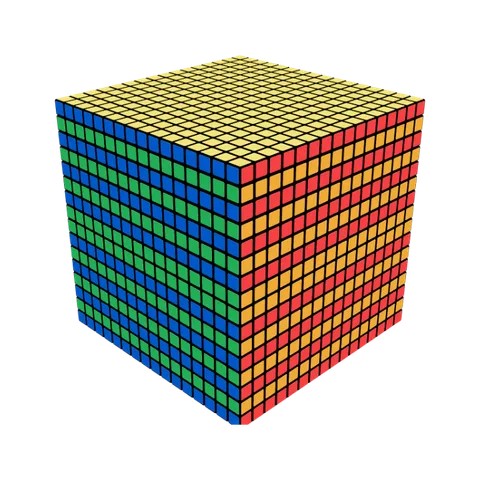
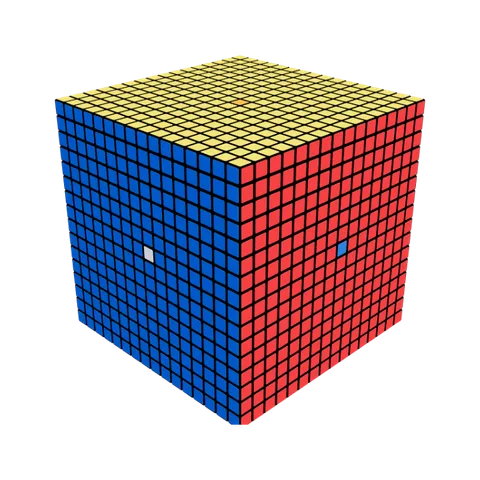
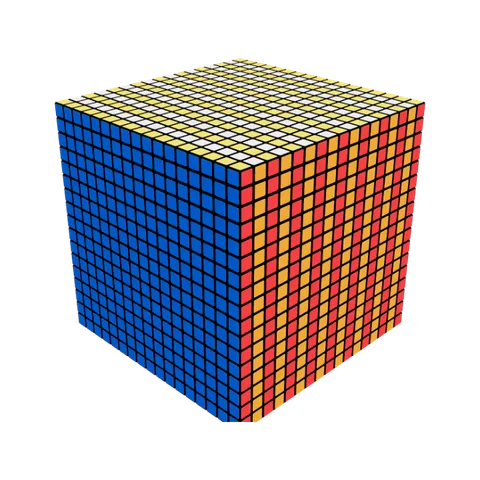
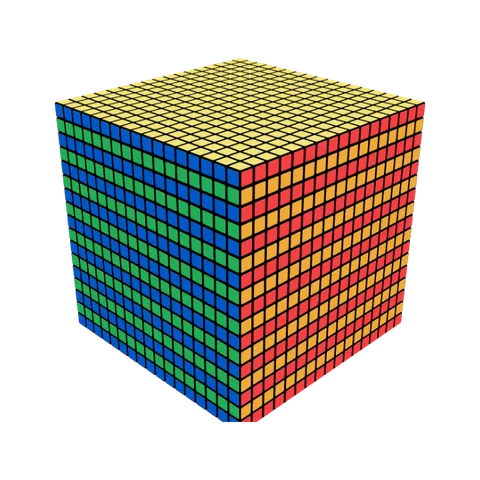
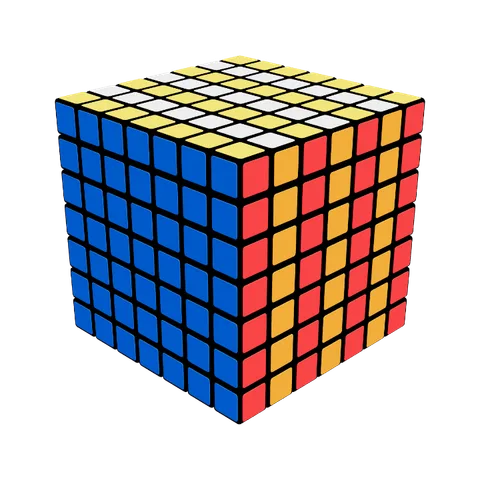 Depth Slice Bands
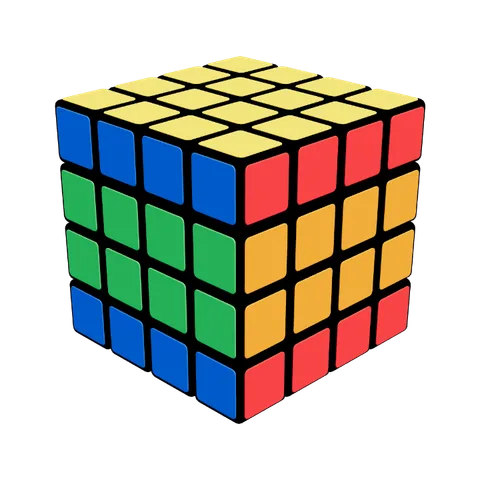
2F2 2B2 4F2Apply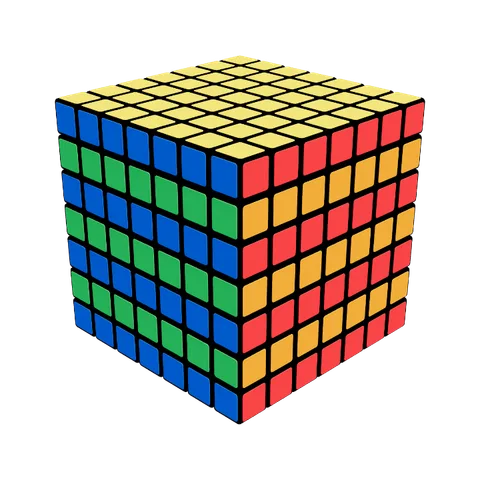 Horizontal Slice Bands
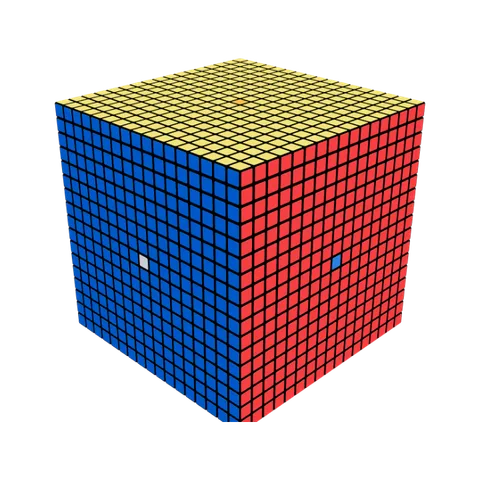
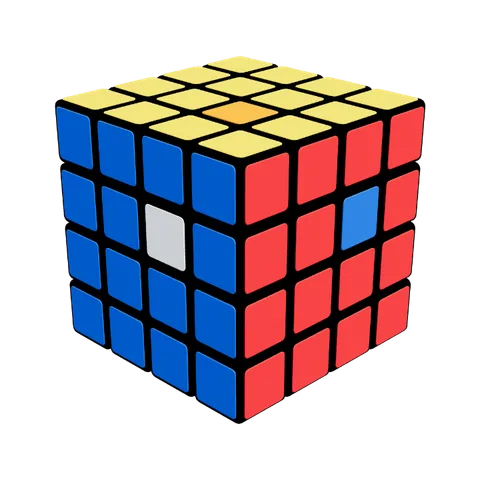
2U2 2D2 4U2Apply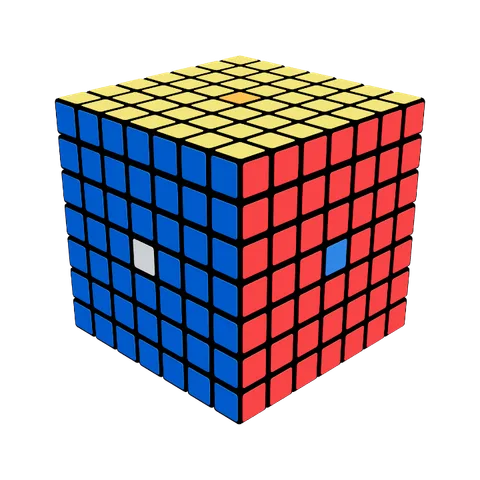 Inner Commutator
4R 4U 4R' 4U'Apply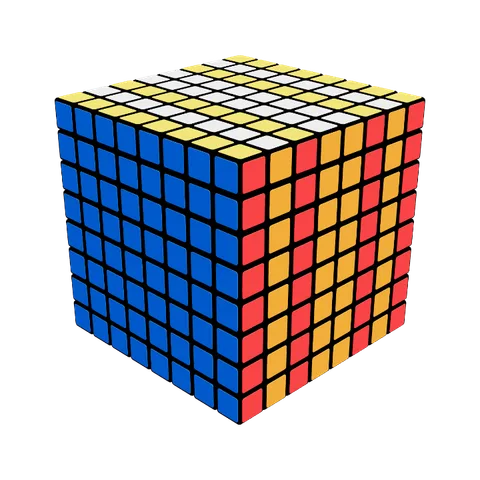 Depth Slice Bands
2F2 2B2 4F2 4B2Apply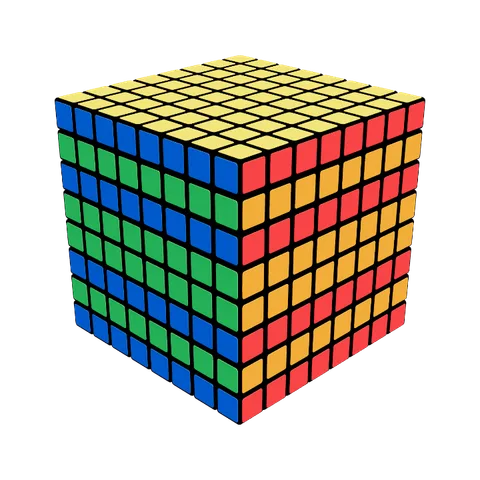 Horizontal Slice Bands
2U2 2D2 4U2 4D2Apply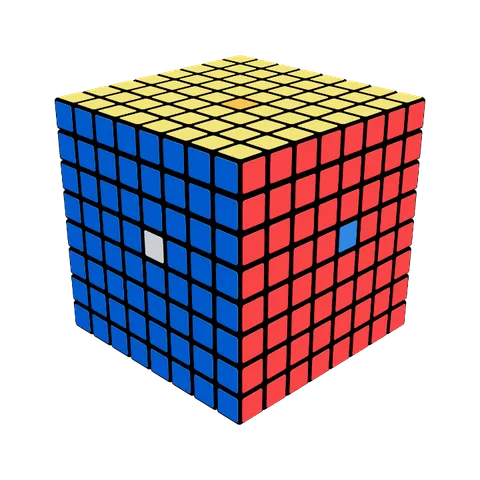 Inner Commutator
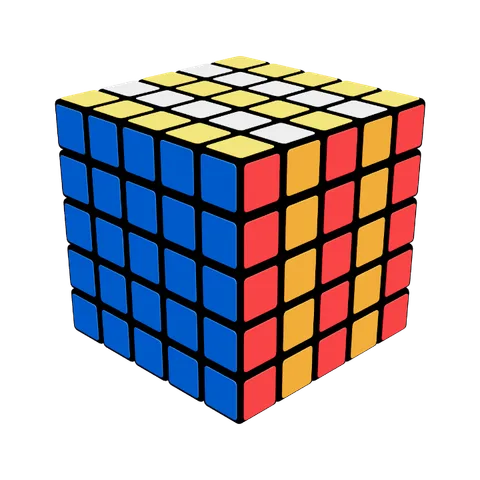
4R 4U 4R' 4U'Apply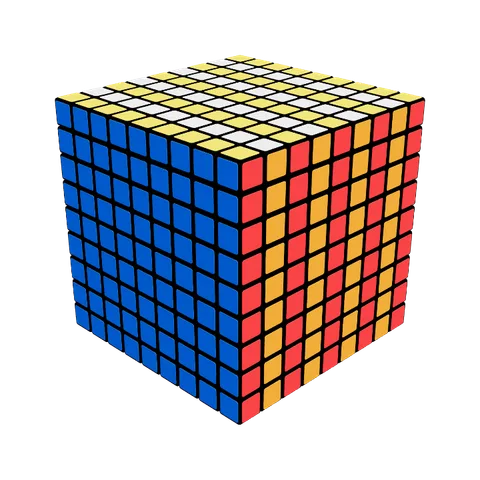 Depth Slice Bands
2F2 2B2 4F2 4B2Apply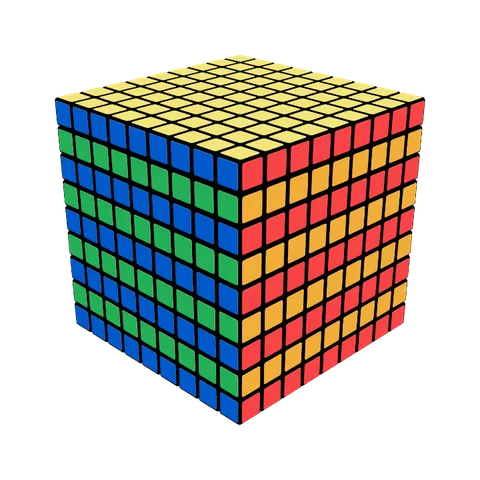 Horizontal Slice Bands
2U2 2D2 4U2 4D2Apply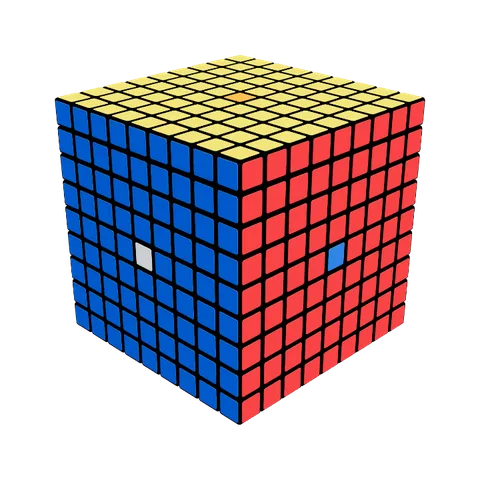 Inner Commutator
5R 5U 5R' 5U'Apply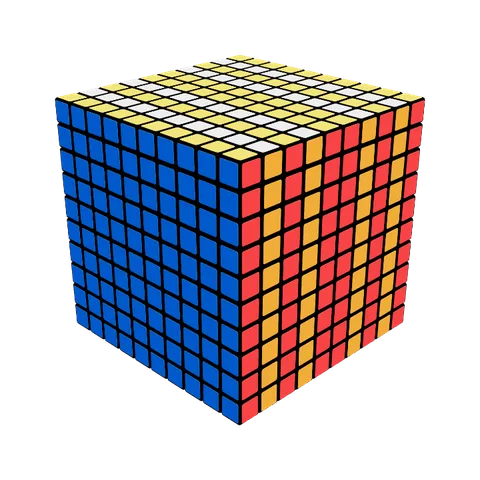 Depth Slice Bands
2F2 2B2 4F2 4B2Apply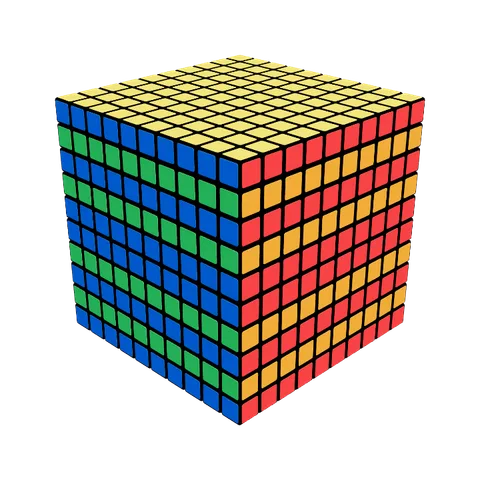 Horizontal Slice Bands
2U2 2D2 4U2 4D2Apply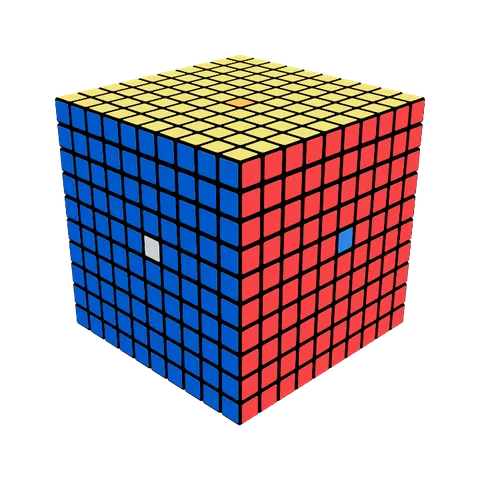 Inner Commutator
5R 5U 5R' 5U'Apply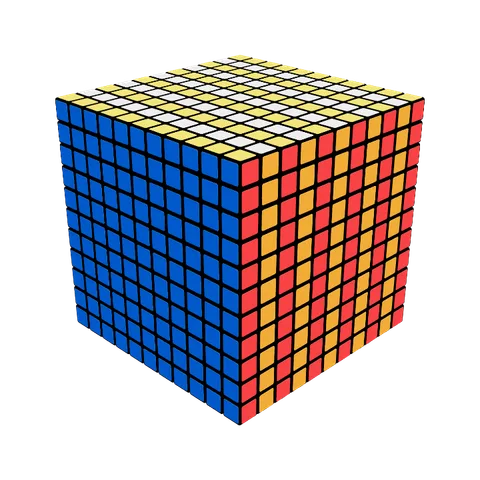 Depth Slice Bands
2F2 2B2 4F2 4B2 6F2Apply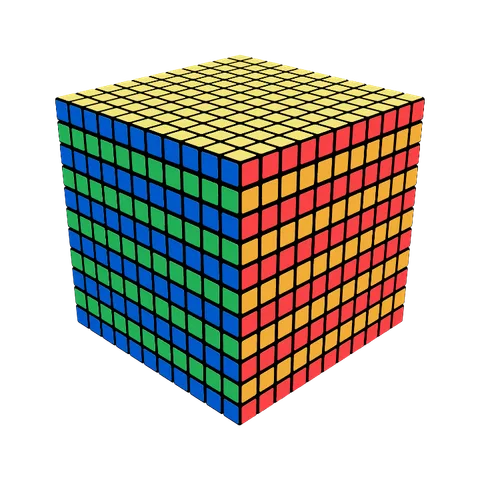 Horizontal Slice Bands
2U2 2D2 4U2 4D2 6U2Apply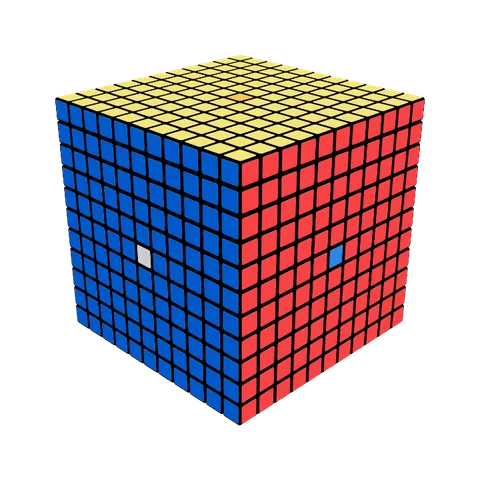 Inner Commutator
6R 6U 6R' 6U'Apply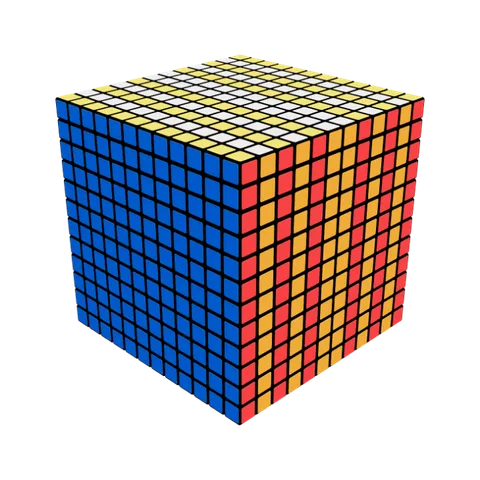 Depth Slice Bands
2F2 2B2 4F2 4B2 6F2 6B2Apply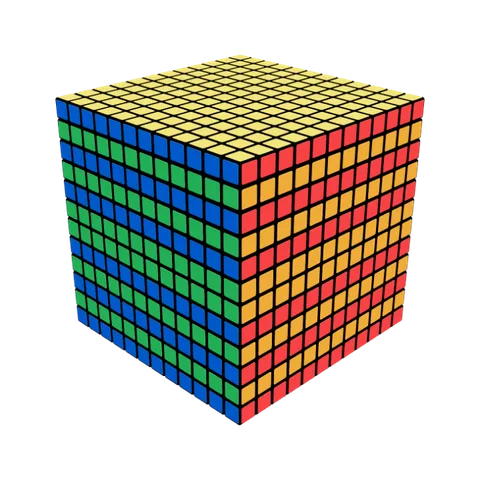 Horizontal Slice Bands
2U2 2D2 4U2 4D2 6U2 6D2Apply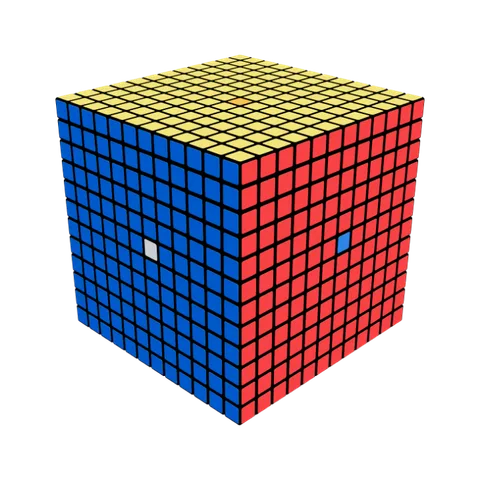 Inner Commutator
6R 6U 6R' 6U'Apply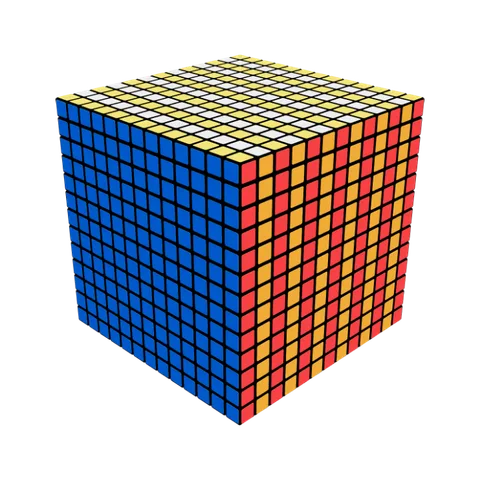 Depth Slice Bands
2F2 2B2 4F2 4B2 6F2 6B2Apply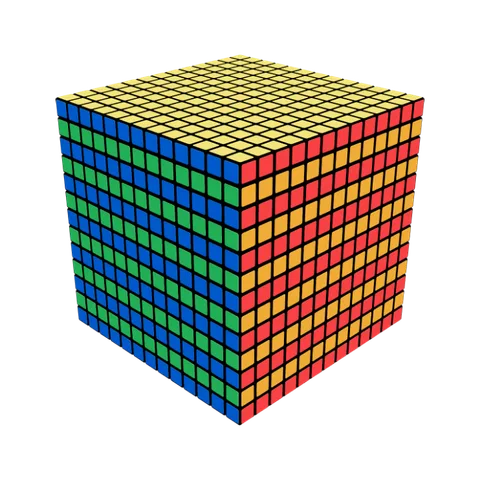 Horizontal Slice Bands
2U2 2D2 4U2 4D2 6U2 6D2Apply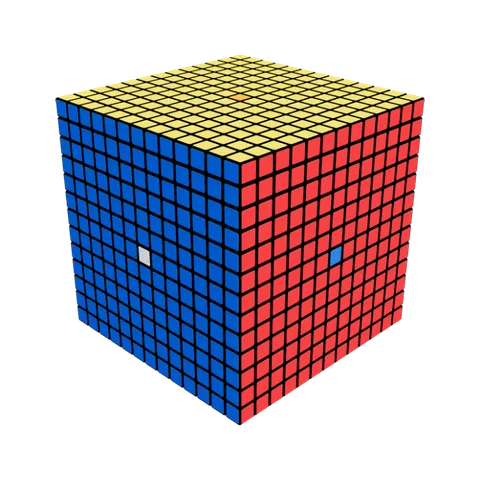 Inner Commutator
7R 7U 7R' 7U'Apply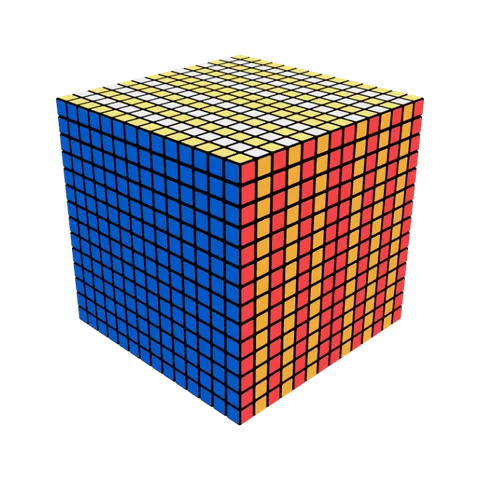 Depth Slice Bands
2F2 2B2 4F2 4B2 6F2 6B2Apply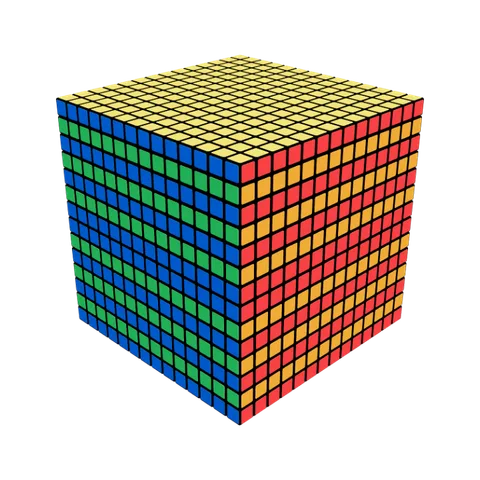 Horizontal Slice Bands
2U2 2D2 4U2 4D2 6U2 6D2Apply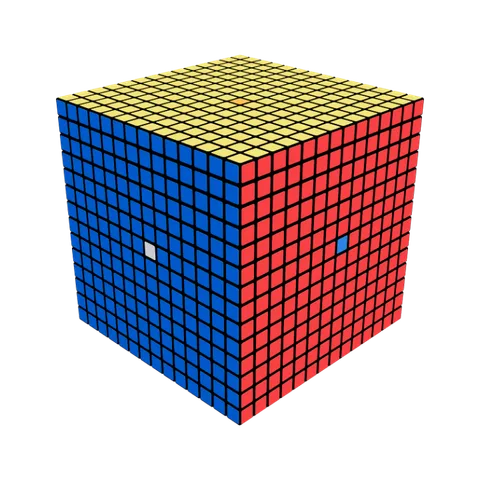 Inner Commutator
7R 7U 7R' 7U'Apply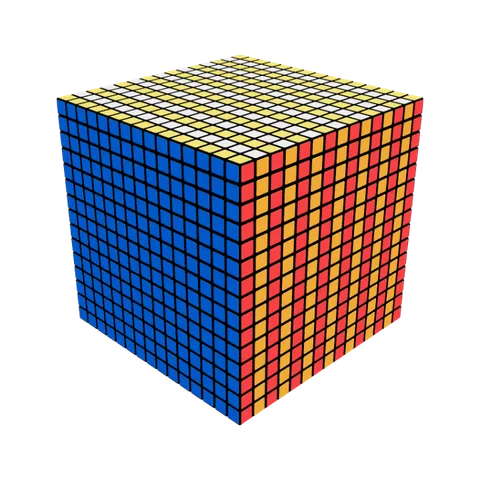 Depth Slice Bands
2F2 2B2 4F2 4B2 6F2 6B2 8F2Apply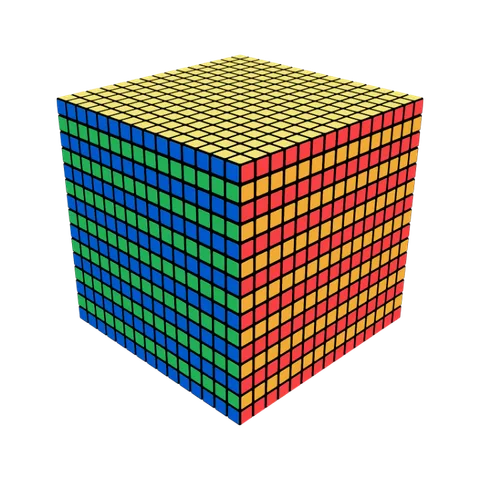 Horizontal Slice Bands
2U2 2D2 4U2 4D2 6U2 6D2 8U2Apply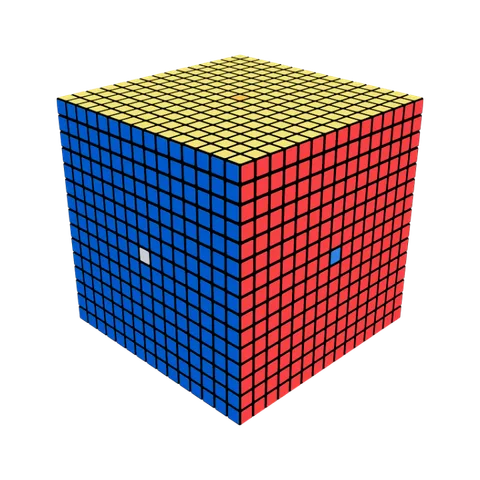 Inner Commutator
8R 8U 8R' 8U'Apply