Download Cube Solver

Scan the QR code with your phone or tablet to open the app store on that device.

QR code to download Cube Solver
Download on the App StoreGet it on Google Play
Preparing cube…

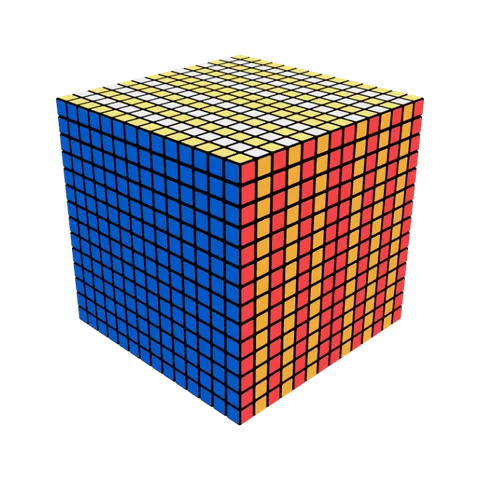
Layered Gift Box

1 / 60

Loading 3D cube…

Use “Next move” to start from a solved cube.

  1. U
  2. B2
  3. R2
  4. B2
  5. L2
  6. F2
  7. R2
  8. D'
  9. F2
  10. L2
  11. B
  12. F'
  13. L
  14. F2
  15. D
  16. U'
  17. R2
  18. F'
  19. L'
  20. R'
  21. 4U
  22. 4B2
  23. 4R2
  24. 4B2
  25. 4L2
  26. 4F2
  27. 4R2
  28. 4D'
  29. 4F2
  30. 4L2
  31. 4B
  32. 4F'
  33. 4L
  34. 4F2
  35. 4D
  36. 4U'
  37. 4R2
  38. 4F'
  39. 4L'
  40. 4R'
  41. 7U
  42. 7B2
  43. 7R2
  44. 7B2
  45. 7L2
  46. 7F2
  47. 7R2
  48. 7D'
  49. 7F2
  50. 7L2
  51. 7B
  52. 7F'
  53. 7L
  54. 7F2
  55. 7D
  56. 7U'
  57. 7R2
  58. 7F'
  59. 7L'
  60. 7R'

Scan your cube

Scan the QR code with your phone to open Cube Solver, then use the app to scan your cube. Keep this page open while you scan.

Tap “Open scanner” to scan your cube in the app on this phone. Return to this browser for the solution.

  1. Open your phone’s camera.
  2. Scan the QR code.
  3. Follow the instructions in Cube Solver.
Open scanner
Connect another phone
  1. Open your phone’s camera.
  2. Scan the QR code.
  3. Follow the instructions in Cube Solver.
Waiting for your scan