 Cube Solver for iOS and Android
Scan your cube.
Follow the solution.
Use the Cube Solver app to scan your physical cube, then follow the moves in 3D in your browser.


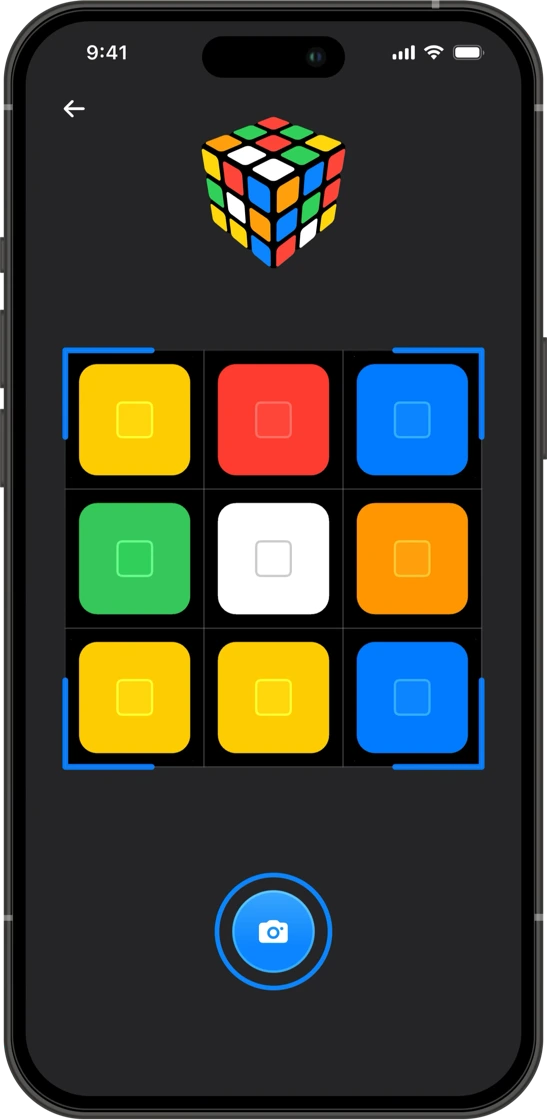
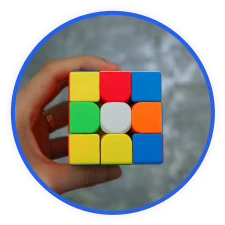
Connect your phone and browser
Choose your cube size, then scan your cube with the app or enter its colours here.
Open the scanner
Choose your cube size and select Scan cube. Scan the QR code with your phone. If you’re already viewing this page on that phone, you can open Cube Solver directly.
Scan all six faces
Follow the app’s instructions as you turn your cube. Check the colours before sending the result back to your browser.
Follow the solution
Keep this page open while you scan. Once the scan reaches your browser, use the 3D player to follow each move at your own pace.
Need a hand?
What if the scanner disconnects?
Check that both devices are online. If the session has ended or expired, close the scanner and select Scan cube again. Use the new QR code or open the scanner again on the same phone.
Can I solve my cube without installing the app?
Yes. Choose your cube size and select Enter colours. The browser solver supports sizes from 2×2 to 17×17.
How does the scan get to my browser?
The mobile app uses your phone’s camera and sends the cube’s colours to the browser session linked by the QR code. Only scan a code from the browser you want to use for your solution.
Where can I find more troubleshooting help?
See the troubleshooting guide for help with scanning, entering colours, and solving your cube.