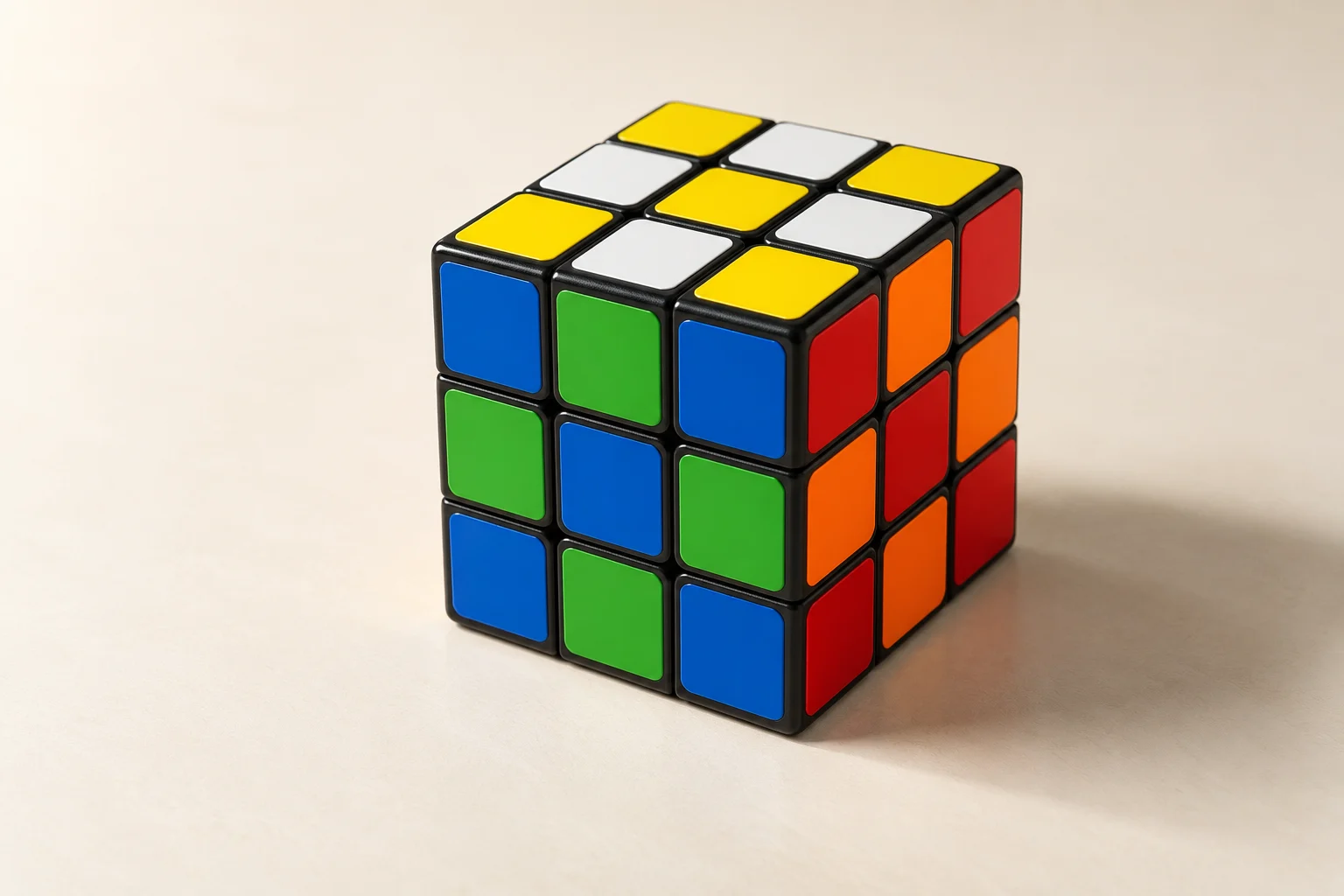
Cube Solver brings the essentials of a practice session together in your browser. Use the static guide to learn, the digital cube to experiment, the solver to check a cube state and the timer to record your practice on the device. Each tool serves a different purpose, so you can choose how much help you need.
Start with the simplest tool for the task
Use the solver when you have a scrambled cube and want step-by-step guidance. Select Enter colours to enter your cube’s colours manually. Use the Digital Cube to explore turns, reset to a known state and practise an algorithm without a physical cube nearby.
Keep instructions beside your cube
The Learn hub links a beginner sequence with individual lessons. The notation reference explains the language used by algorithms, while the patterns library gives you short sequences that are easy to verify visually. Open a lesson beside your physical cube and use its starting position, holding instructions, and checkpoints. Pause the worked example whenever you need time to compare the pieces.
Practice with on-device storage
Your timer history and learning progress are stored in the browser on the device you’re using. This release has no account or cloud profile. Clearing site data removes those records, so export any notes you want to keep before you clear it. Storing the records this way keeps the tools simple and makes it clear where your practice data is kept.
Explore the cube timer to start a session, or read the latest solving guides for a focused practice idea.