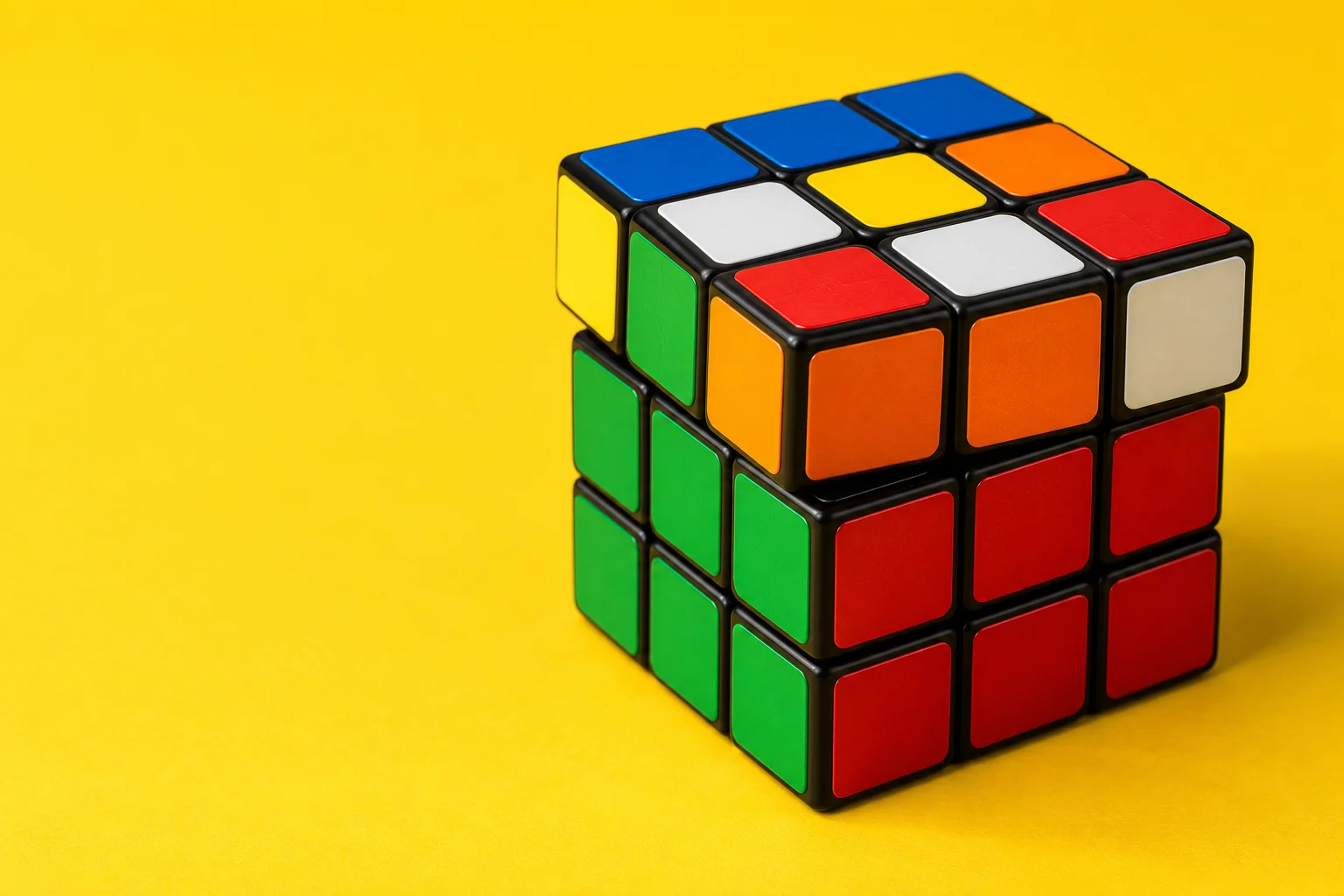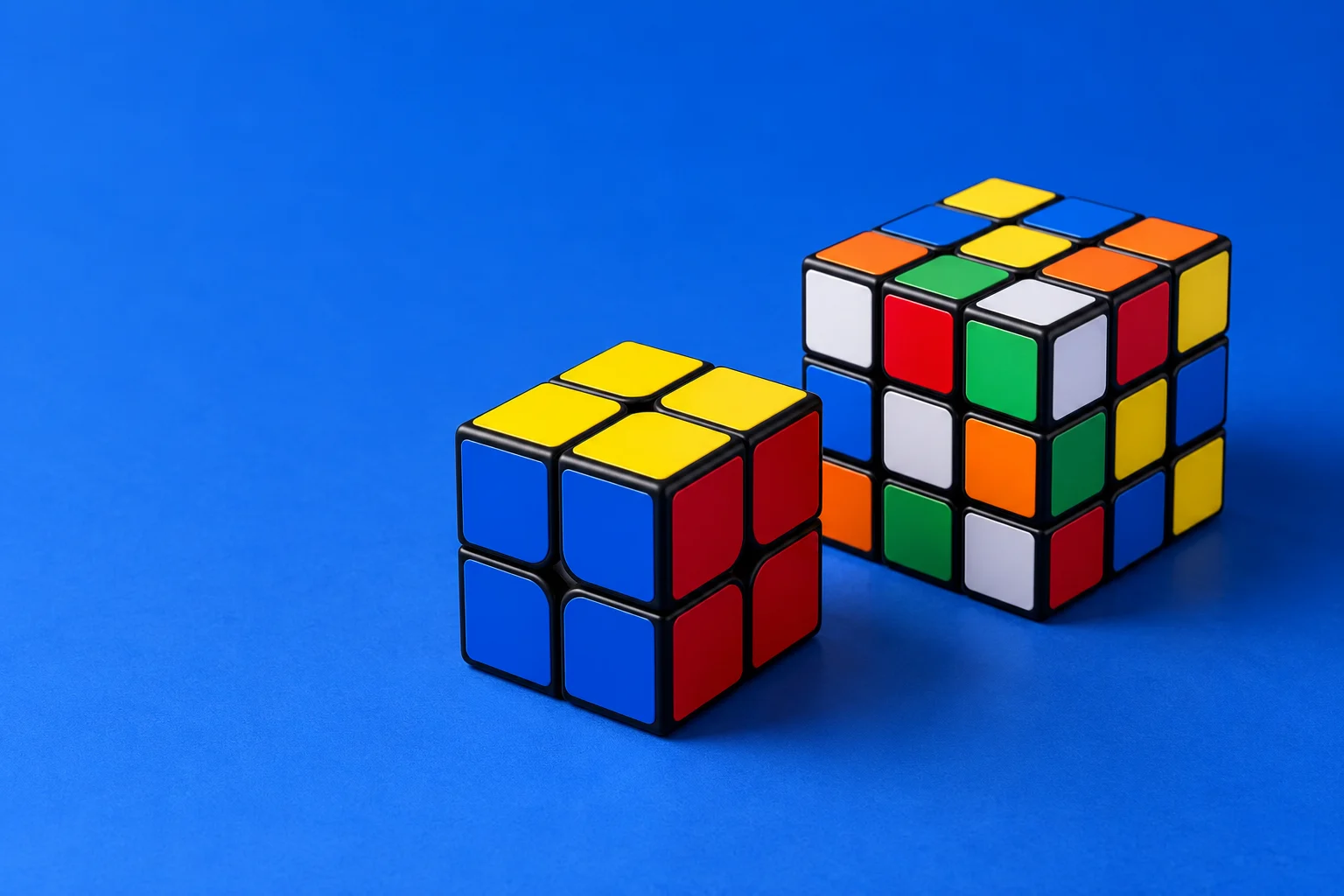
Choosing your first Rubik’s Cube should feel exciting, not overwhelming. The 2x2 is compact and teaches the basic idea of matching corners, while the 3x3 gives you the complete solving experience.
Start with the cube that matches your goal
If you want a quick introduction, the 2x2 is a friendly first step. If you want to learn the most widely used methods and notation, start with a 3x3. Our 3x3 cube solver and beginner course walk you through every move.
What’s the difference between a 2x2 and a 3x3?
The 2x2 has only corner pieces, so there are no edges or fixed centre stickers to account for. It’s smaller in your hands and quicker to reset, but you need to use the corner colours to identify each face. The 3x3 adds edges and centres, so there are more pieces to track, but you also have a clear reference for each colour.
How to choose your first cube
Choose a 2x2 if you want a quick daily puzzle or an introduction for a younger learner. Choose a 3x3 if you want to learn standard move notation, follow the full beginner method or practise with the same puzzle used in most tutorials. Whichever you choose, start by learning how turns are written in the cube notation reference, then practise a scramble on the Digital Cube.