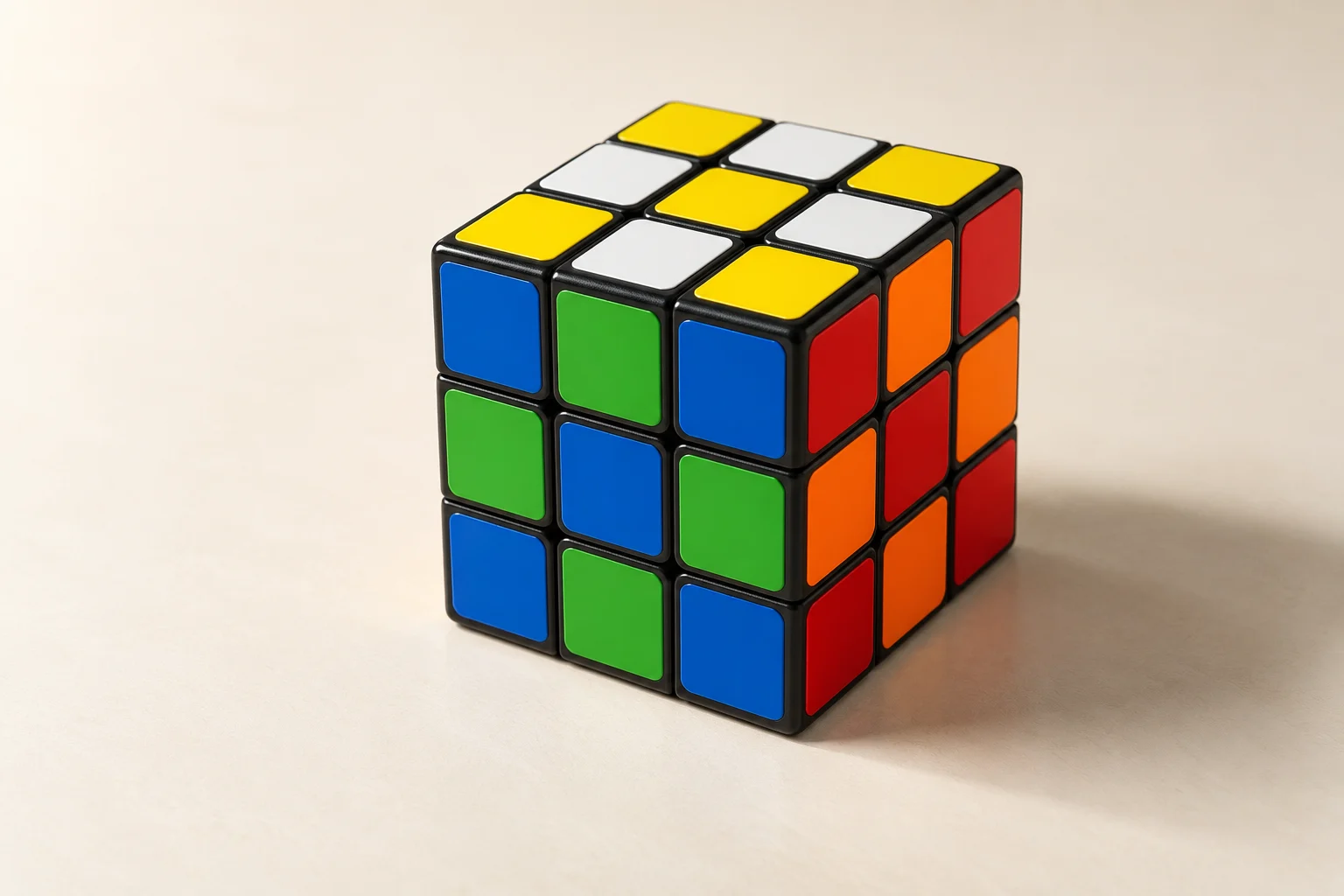
To improve your solve times, make the parts that slow you down more predictable. Combine timed solves with untimed drills so you can tell whether you’re losing time recognising cases or making the moves.
Use a timer as a notebook, not a scoreboard
The Cube Timer keeps recent solves on the device and calculates simple session summaries. Record a few solves before drawing conclusions. One unusually quick solve is encouraging, but a group of solves tells you more about your current consistency. Mark a +2 or DNF when it genuinely applies instead of editing the result to protect a streak.
Separate recognition from turning
If you can perform an algorithm quickly once you’ve stopped to identify the case, the delay is in recognising the case. If you recognise it immediately but fumble the sequence, slow down and pay attention to the order in which you use your fingers. Use the notation guide to check the exact direction of prime moves, because one reversed turn can make an otherwise familiar sequence fail.
Practise transitions
Many beginners lose time between stages of a solve. Scramble the Digital Cube and practise finding a white-cross edge, inserting one corner or placing one middle-layer edge. Reset after each short drill. Repeating these drills helps you build a mental picture of the cube without the pressure of completing a full solve.
Keep your method stable while you measure
Change one thing at a time. Changing the cube’s orientation, your starting colour and your set of algorithms all at once makes your results impossible to interpret. Spend a week with one routine: a warm-up, a handful of timed solves, then one focused drill. Review your average rather than chasing a single personal best.
For a structured path, start with the beginner learning hub and use the solver when you want a clear solution to a specific state.