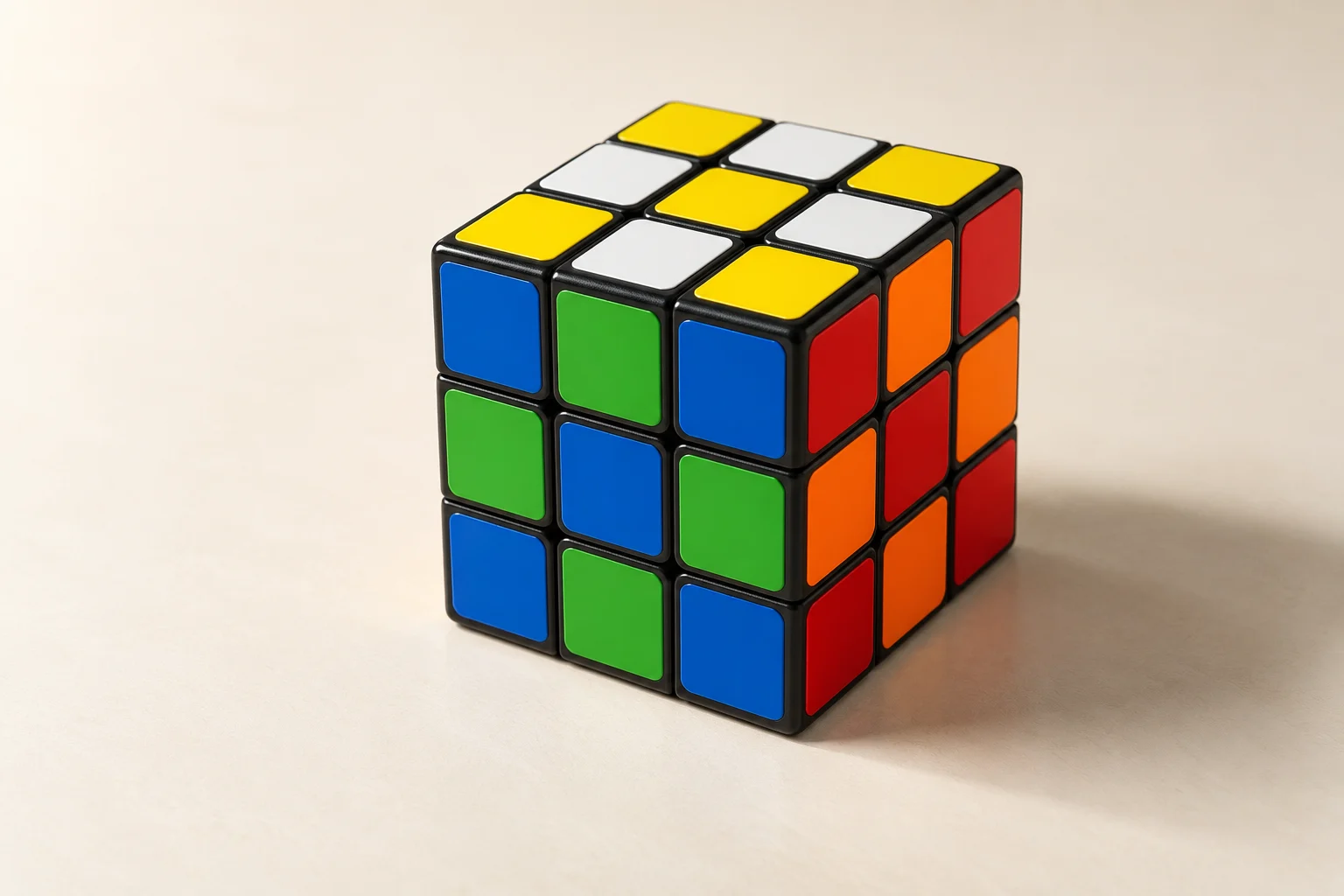
Cube notation is a compact language for describing turns. The letter identifies a face: R is right, L is left, U is up, D is down, F is front, and B is back.
Read a move from left to right
An algorithm is a sequence of individual turns separated by spaces. Read it from left to right and keep the same front orientation unless the instructions explicitly tell you to rotate the whole cube. The center stickers identify each face, so “R” means the right face from the solver’s current perspective—not the right side of the page.
Prime and double turns
An apostrophe means turn the face counter-clockwise, and a 2 means make a half turn. Practice each move on the digital cube before combining moves into an algorithm.
The three suffixes you will see most often
Ris a clockwise quarter-turn of the right face.R'is a counter-clockwise quarter-turn of the right face.R2is a half-turn. Direction does not matter for a 180-degree move.
Wide turns, slice turns, and whole-cube rotations appear in more advanced methods. Learn the six basic face letters first, then use the algorithms hub and the pattern library as short, concrete practice sets.
Which way is clockwise on the back or bottom?
Imagine looking straight at the face named by the move. B is clockwise from behind the cube, so it looks reversed when you watch from the front. D is clockwise when you look up at the bottom. Do not use the direction seen on your screen as the definition of a turn.
For a short check, do R four times: the cube returns to its initial state. R R' also returns to the initial state. These checks test direction and amount; they do not teach a solving algorithm by themselves.
Wide turns and numbered layers
Rw turns the outer right layer and the adjacent inner layer together. On a 4×4 or larger cube, 3Rw turns the three rightmost layers. Some sources use a lowercase r for a wide turn; Cube Solver writes the w explicitly.
2R turns only the second layer counted from the right. It is different from R2, which turns the outer right face halfway. 2R2 combines these instructions: turn the second layer from the right by 180 degrees. A prefix counts layers; a suffix gives the turn amount.
Middle slices on a 3×3
M: the slice between L and R, turning in the direction of L.E: the slice between U and D, turning in the direction of D.S: the slice between F and B, turning in the direction of F.
Primes and half-turns apply here too: M' reverses M and E2 makes a half-turn. On even cubes there is no single central layer; follow the explicit numbered-layer notation of the size-specific algorithm.
Whole-cube rotations
x rotates the entire cube in the direction of R; the old front becomes the new top. y rotates it in the direction of U; the old right becomes the new front. z rotates it in the direction of F; the old top becomes the new right.
These regrips change which face subsequent letters refer to. Rotating the camera in the Digital Cube changes your view while its labeled move frame remains fixed. The lesson player explains whole-cube regrips separately when they are part of a worked example.
Read a complete sequence and its inverse
In R U F2, turn the right face clockwise, the top face clockwise, then the front halfway. To undo it, reverse the order and direction: F2 U' R'. Half-turns are their own inverse. Keep the same orientation for both sequences.
Some printed guides use parentheses to group a trigger or a number to repeat it. For example, (R U R' U') 6 means six full repetitions. When using a Cube Solver practice link, write out the individual turns; the link accepts face, wide, numbered-layer and slice turns, plus x/y/z rotations. Expand repetition shorthand into separate moves.
For move-by-move examples, open First Moves. For parity notation on bigger cubes, use the 4×4 notation lesson or 5×5 notation lesson.