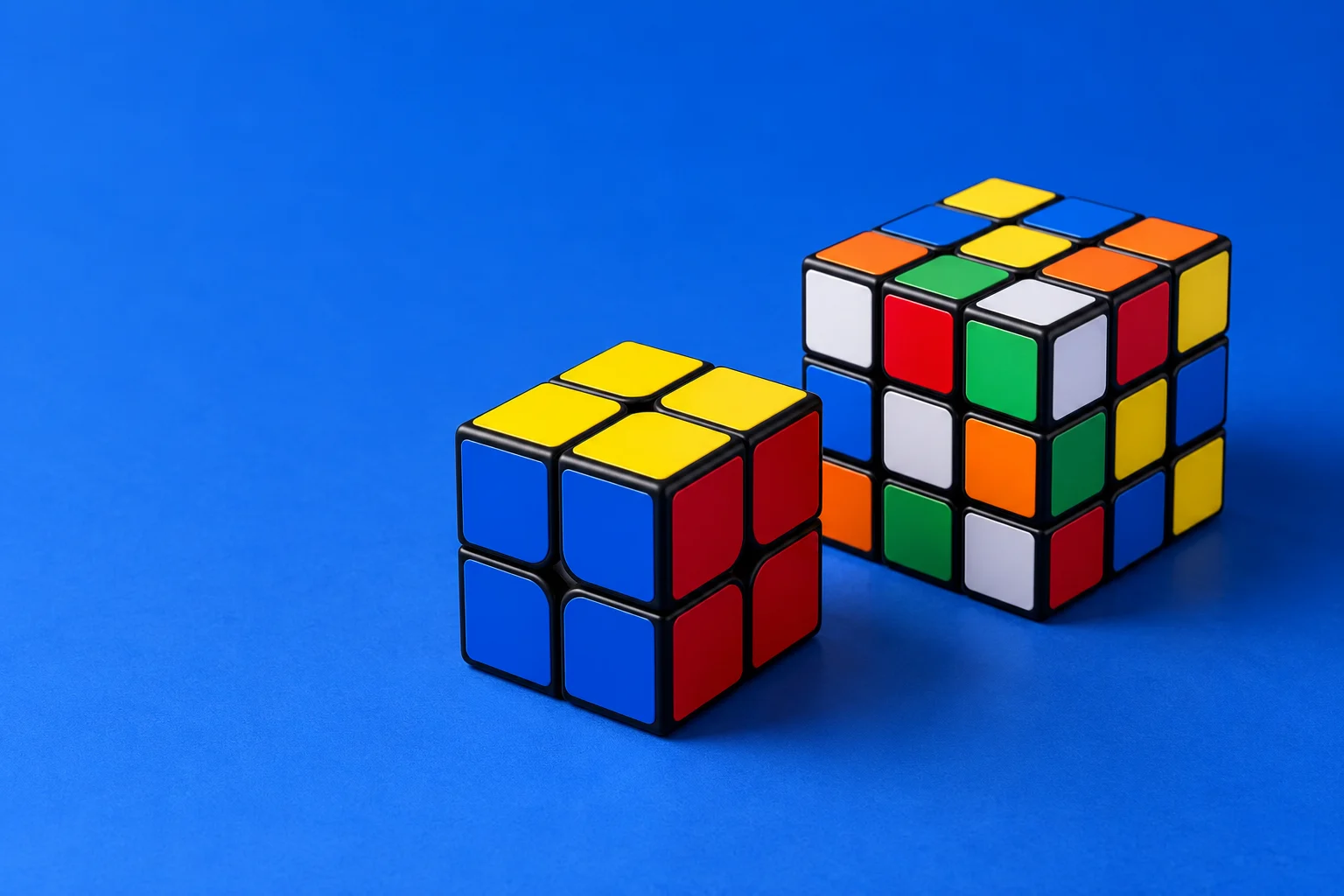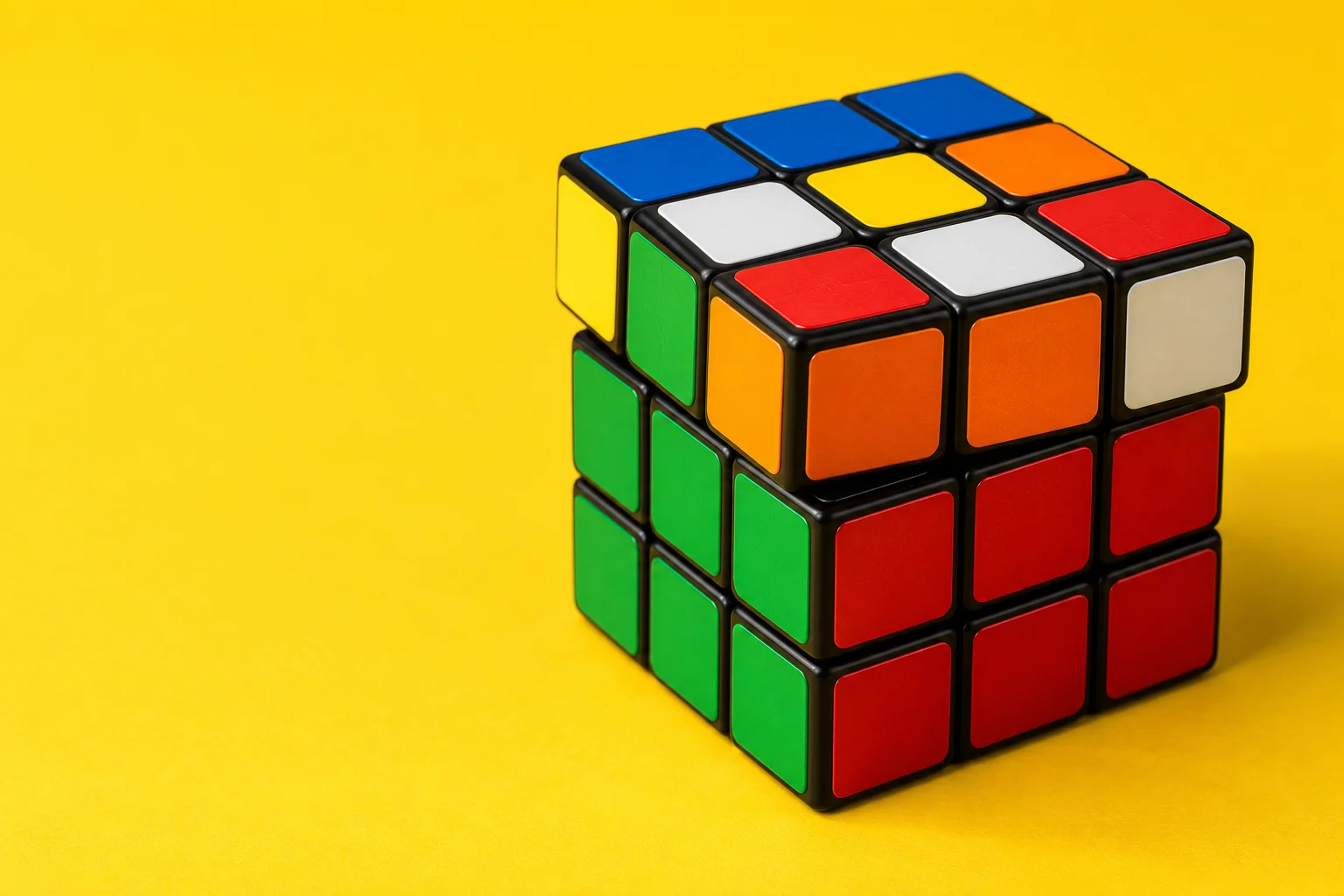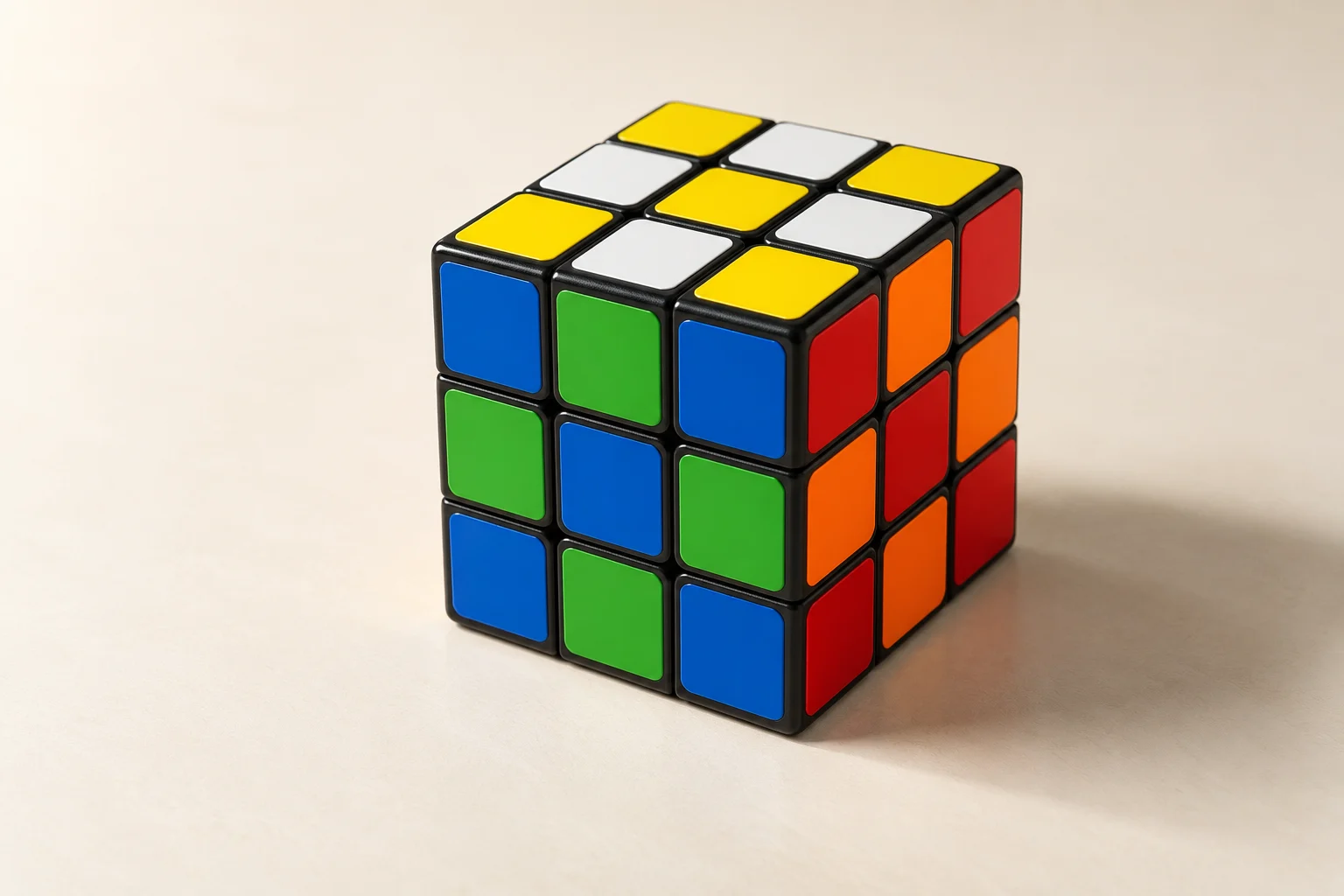
Start every pattern below with a solved 3×3 cube. Keep the same front face and top color while following the sequence. Each linked pattern opens its exact notation and an interactive player, so you can stop at a difficult turn and inspect the other faces.
These are practice choices, not a ranking by difficulty. Try a short, easy-to-recognize result first, then explore the designs that interest you.
Fifteen patterns to try
- Checkerboard: compare alternating stickers across several faces. This is a useful first test of slice turns.
- Six Spots: inspect the center of every face instead of checking only the three visible sides.
- Cube in a Cube: rotate the finished cube to see how the nested-cube illusion connects around a corner.
- Cube in a Cube in a Cube: follow the nested outlines and compare them with the simpler design above.
- Anaconda: trace the band as it crosses from one face to the next.
- Python: another connected design to compare with Anaconda rather than memorize by name alone.
- Black Mamba: watch the whole sequence before trying it from memory.
- Green Mamba: compare its arrangement with Black Mamba using the final-state previews.
- Four Spots: check which faces change and which ones preserve a larger solid area.
- Cross: inspect the arms of the cross and their surrounding corner colors.
- Four Crosses: count the finished faces and inspect the remaining two.
- Gift Box: follow the contrasting bands around the cube like ribbon.
- Spiral Pattern: inspect the result from several angles to see the repeating path.
- Vertical Stripes: compare the direction of the bands on adjacent faces.
- Superflip: all twelve edges are flipped while corners and centers stay in their solved positions. It is a legal 3×3 position, unlike a single flipped edge.
Read the turns before starting
A plain letter means a clockwise quarter-turn when looking directly at that face. A prime (') reverses it, and 2 makes a half-turn. M, E, and S turn a middle slice. The notation reference explains their direction. A move changes the cube; rotating your viewpoint does not.
On a physical cube, work on a stable surface and avoid forcing a layer that is not aligned. On the website, use Next and Previous to compare the state immediately before and after a move. The final preview is the reference for the entire pattern, not for every intermediate step.
Undo a pattern reliably
To undo any sequence, read its moves backward and reverse each quarter-turn. Keep half-turns unchanged. For example, the inverse of R U F2 is F2 U' R'. Repeating a pattern algorithm is not a general undo method: some patterns need several repetitions to return to solved.
Reset restores the Digital Cube to solved. On a physical cube, reverse the sequence or use the solver if you lose your place. Do not scramble the cube before trying the pattern again: these instructions depend on a solved starting state.
Explore other cube sizes
The pattern library includes designs and interactive playback for every size from 2×2 through 17×17. Select the correct size before following a sequence. An outer-turn algorithm on a 3×3 can produce a different design on a 4×4, and numbered inner-layer moves require enough layers. Each pattern includes its complete notation, a final reference image, and a Digital Cube link that opens the matching size.